A busy support team. Countless messages across tools. Repeated questions. Lost tickets. Frustrated customers. And no single place to manage it all.
One workspace that brings together tickets, chats, and your knowledge base. Inquirly’s AI understands your docs, tone, and context, then helps agents and customers find the right answers instantly. Accurate. Fast. Human-friendly.
Teams stay focused. Responses stay consistent. And because Inquirly runs entirely within your private environment, your data always stays secure, and yours.

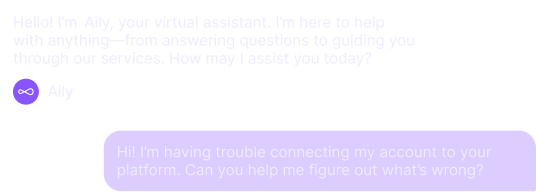
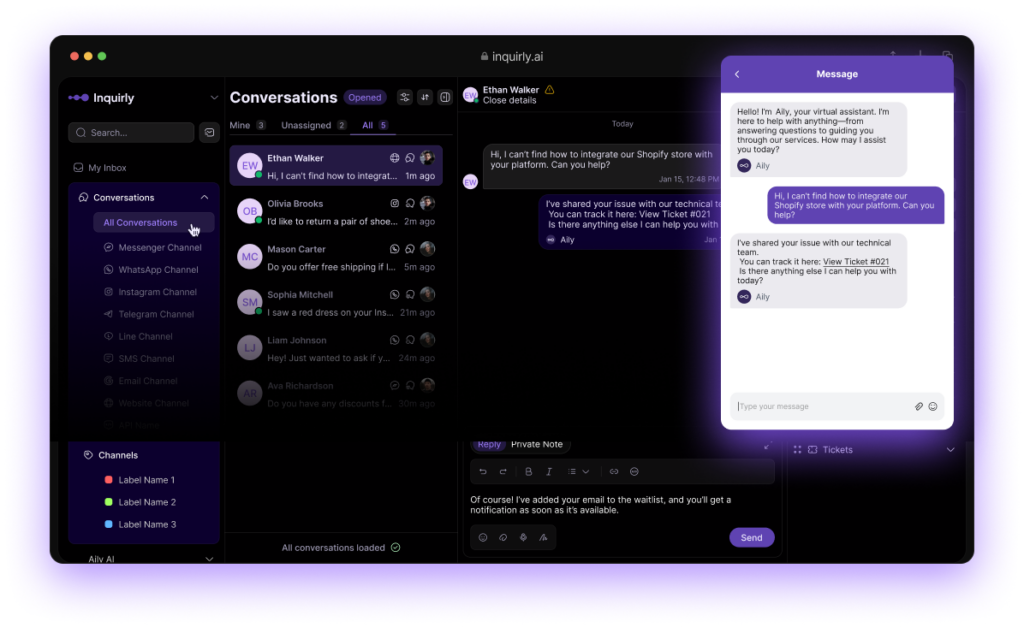
A Customer Asks a Question
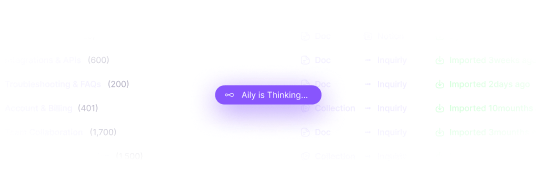
Aily searches your internal Knowledge Base and finds the “Shopify Integration Guide.”
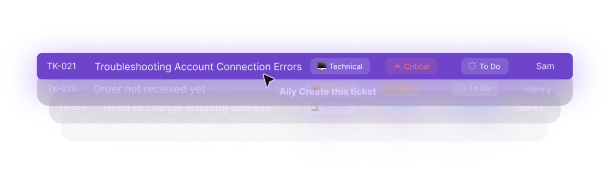
Aily detects that the user needs help from the Technical Support team.
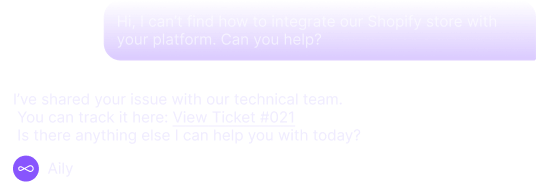
Aily keeps the customer informed, and your team focused. No manual triage. No missed messages. Just seamless support.
Aily automates what slows you down and collaborates on what counts.
Every reply gets smarter, every agent gets faster.
AI handles the routine.
Aily resolves FAQs, tracks orders, and updates customers, automatically, across every channel. No delays. No missed messages. Just effortless support.
Humans focus on what matters.
Your agents dive into complex cases with AI-powered suggestions and real-time insights. Less copy-paste, more meaningful problem-solving.
Everyone gets smarter.
Aily learns from every great response, your tone, your best answers, your brand voice. Accuracy improves. Consistency scales. Support grows stronger over time.
Customers raise issues easily.
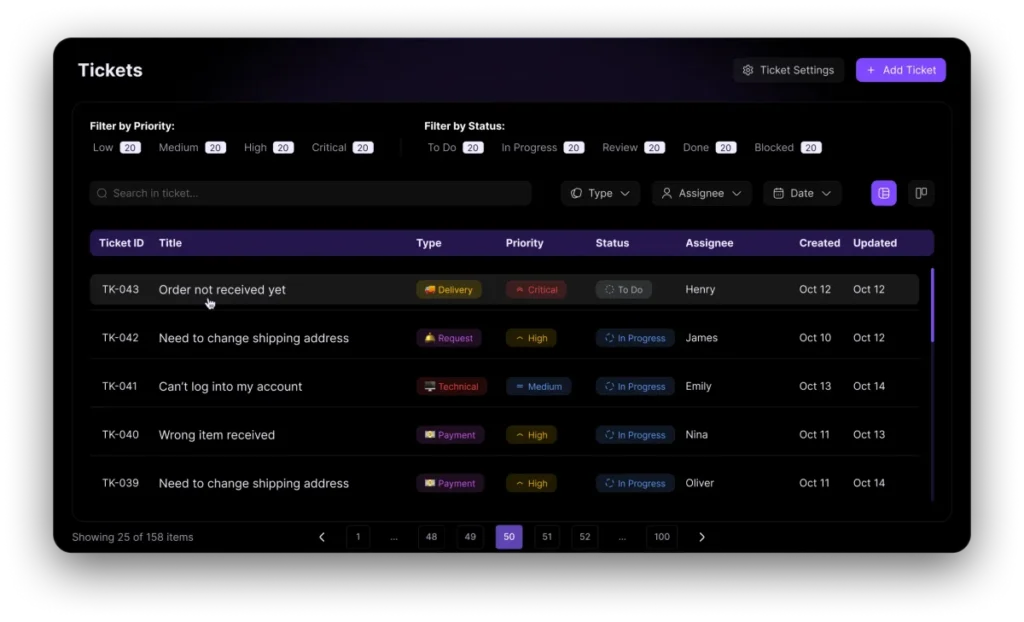
Whether through chat, email, or social channels, every question, request, or concern automatically becomes a trackable ticket in Inquirly.
Aily recognizes and creates tickets automatically.
When Aily spots intent or urgency in a conversation, it generates and routes a ticket instantly, ensuring no message ever gets lost or delayed.
Agents manage, collaborate, and take action.
Your team gets full visibility, with access to all context, customer history, and AI-suggested replies, so they can resolve issues faster and smarter.
Follow up and keep customers in the loop.
Close the loop with seamless follow-ups via email or chat. Aily helps you maintain a continuous, human connection even after the ticket’s resolved.
AI & data:
Freshworks’ Freddy AI emphasizes built-in privacy controls (Freddy AI Trust), content filtering, and governance to keep data safe while using AI features.
Pricing & small-business fit:
Freshdesk starts with an accessible free/low-cost tier and scales with paid plans; some Freddy capabilities (Copilot/agent sessions) may be metered or added as paid add-ons.
Setup & trade-offs:
Generally positioned as easier to adopt for SMBs while still offering enterprise controls; AI capabilities are packaged but advanced usage can incur additional costs.
What to watch:
Check included AI session limits, add-on pricing for Freddy Copilot, and the governance features you’ll need for sensitive data.
AI & data:
Zendesk runs both proprietary models and optional third-party LLM integrations; they state that pre-trained models are used and that third parties won’t use customer inputs to train their models. Their trust center highlights privacy & compliance tooling.
Pricing & small-business fit:
Flexible tiers exist (from entry-level to enterprise), but full AI agent capability and advanced suites typically sit in higher-priced plans, good for scale but can be heavy for small teams on a budget.
Setup & trade-offs:
Rich functionality (omnichannel, routing, Copilot/AI agents), powerful for ops but requires configuration and governance to get privacy and confidence thresholds right.
What to watch:
If you plan to enable generative features, confirm data flow and configurability of confidence thresholds and model access in your contract.
AI & data:
Intercom processes customer conversations to power its AI features and provides contractual controls (DPA & product terms) around data use, they document privacy controls and how AI features access conversation data.
Pricing & small-business fit:
Powerful and polished, but pricing rises quickly with seats and advanced AI features, can become costly for scaling teams.
Setup & trade-offs:
Fast to get started for chat and help center use, but advanced automation and enterprise features often require higher tiers and configuration.
What to watch:
If you need strict, isolated model usage or on-prem options, check contractual terms closely, Intercom’s AI stack and commercial terms determine how data is handled.
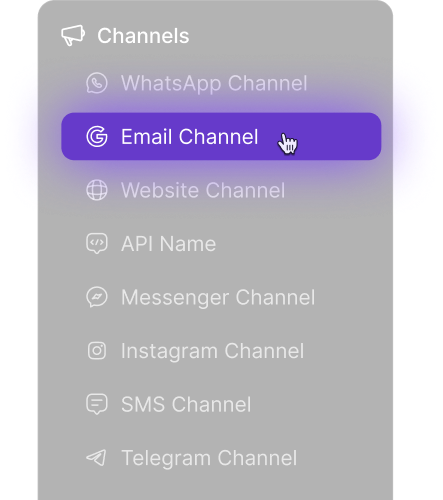
Quickly connect chat, email, WhatsApp, and social channels. Inquirly keeps your existing tools and workflows intact, while centralizing every message in one inbox.
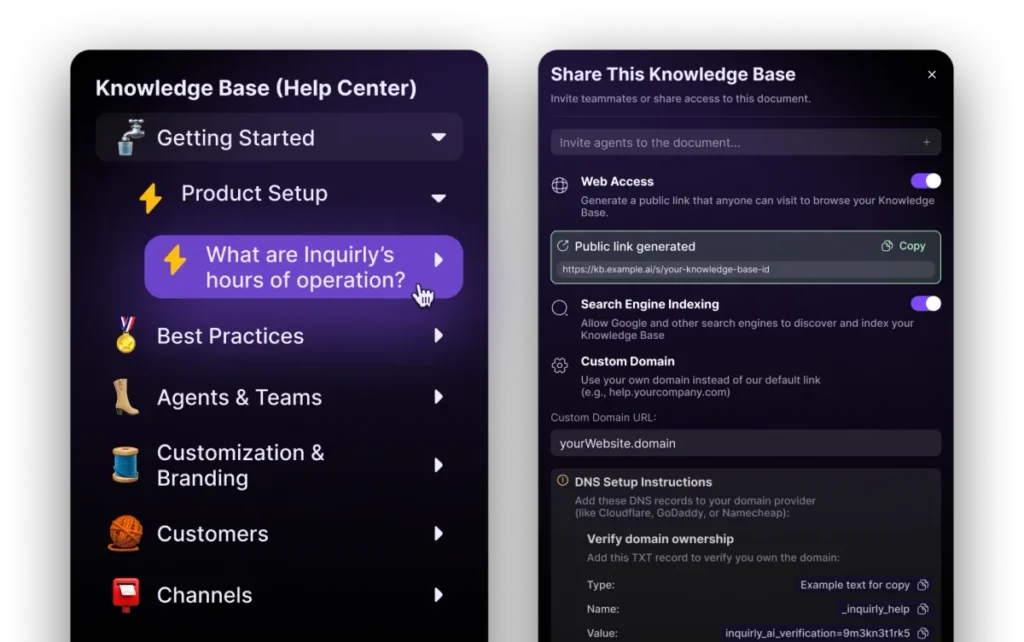
Bring articles from Notion, Confluence, or create new ones inside Inquirly. Your knowledge fuels Aily’s answers and empowers your team to stay consistent and accurate.
Aily learns from your knowledge base and ticket history to suggest accurate replies, automate routine tasks, and help your agents respond faster, always under your control.
Yes. Inquirly seamlessly integrates with WhatsApp and other popular messaging platforms. Our omnichannel inbox ensures all conversations from chat, email, and social media come into a single view for consistent and efficient support.
Inquirly’s AI (Aily) can handle routine inquiries, perform knowledge base lookups, and route tickets automatically. You define workflows based on keywords, customer behaviour or criteria. Complex issues are automatically escalated to human agents.
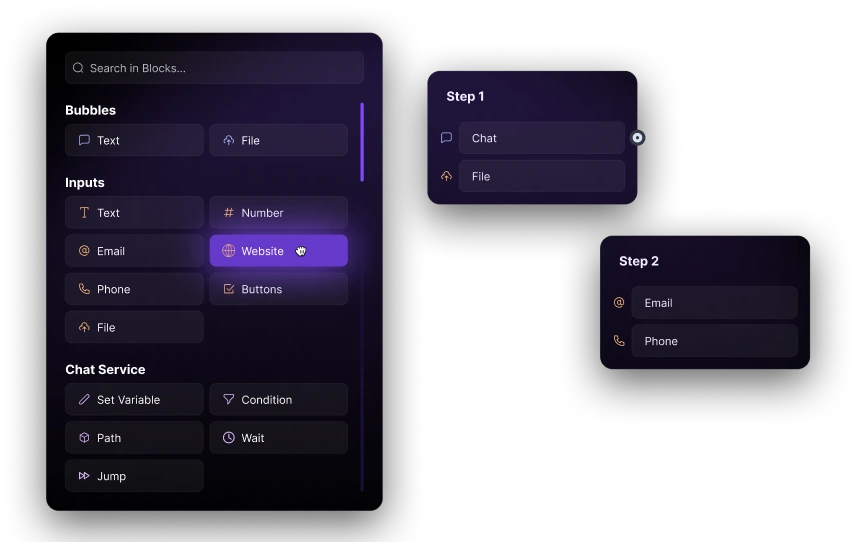
Absolutely. Inquirly offers an intuitive workflow builder so you can design custom chatbot flows, automated response sequences and ticket-routing logic, all without coding.
Inquirly is built to scale. Our flexible plans are ideal for small teams just starting with automation, while enterprise features support larger organisations with advanced compliance, dedicated tenancy and SLAs.
Traditional chatbots follow fixed scripts. Inquirly’s AI agent uses your knowledge base and ticket history to respond accurately and dynamically, seamlessly escalating to humans when needed for a natural experience.
Our AI analyses incoming messages by content, priority, customer history and agent expertise. It then routes each ticket to the optimal team member, boosting resolution speed and improving customer satisfaction.