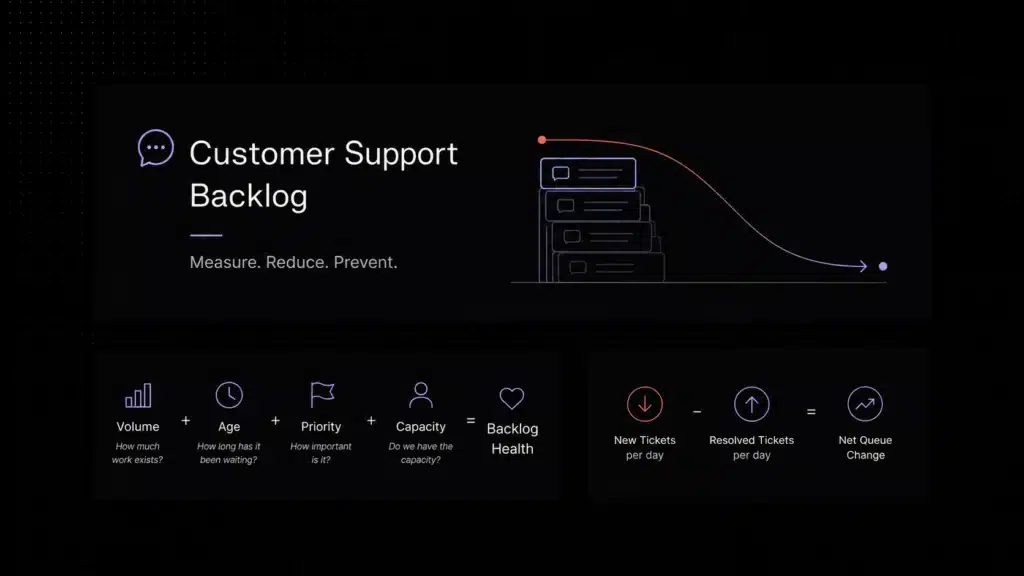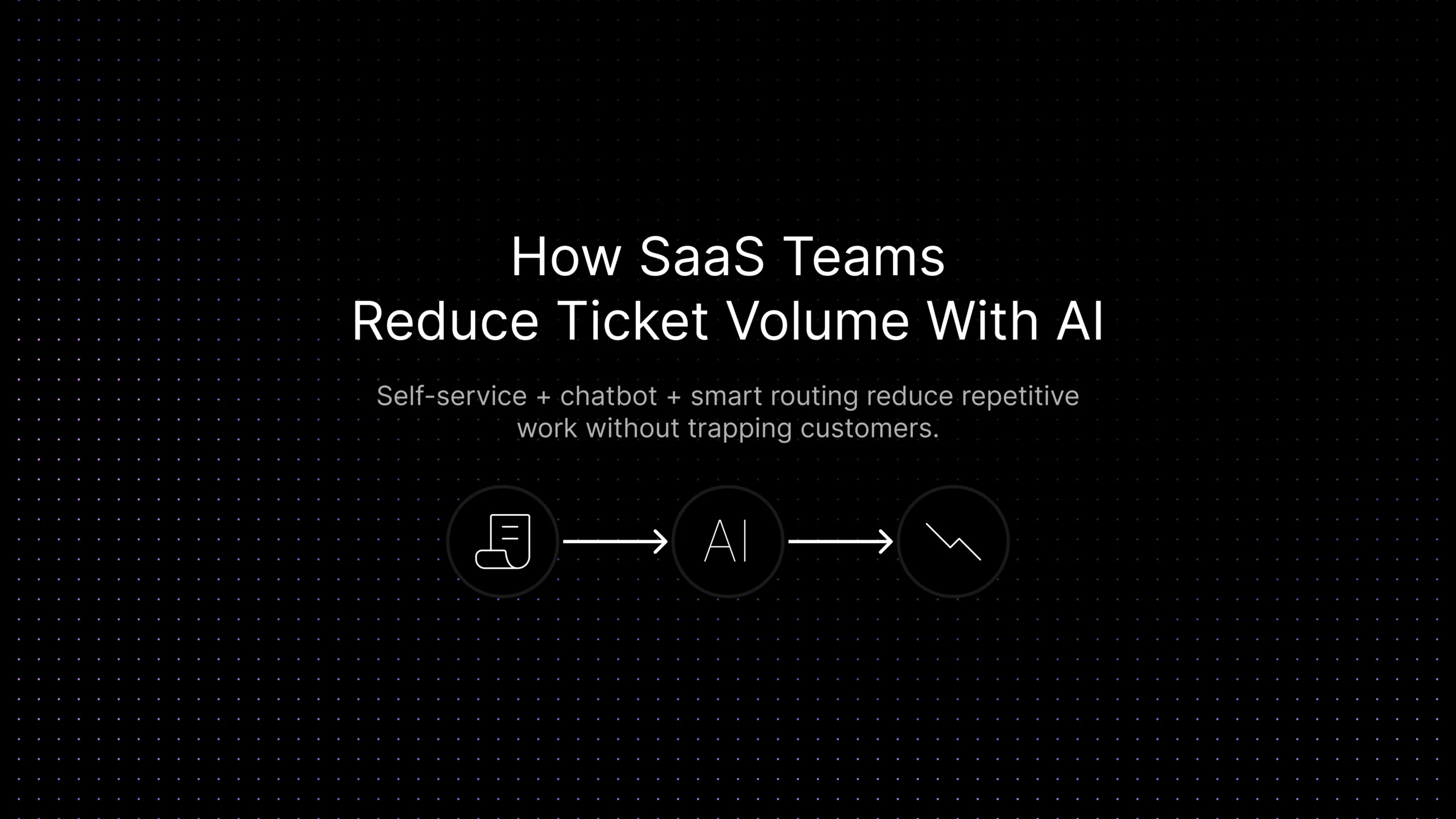
Ticket volume rises fast in SaaS because product complexity compounds over time. New features, plans, permissions, integrations, and onboarding steps all create new questions. Many of those questions are repetitive: customers ask how to reset access, where to find a setting, what a pricing rule means, or how to complete a setup step that already exists in the help center.
Support leaders should be careful about how they think about AI. The goal is not to “push tickets away.” The goal is to reduce avoidable demand while making the experience easier and faster. When the self-service layer is good, customers get answers sooner, agents spend less time rewriting the same responses, and the queue has more room for complex work.
If you want the broader landscape, start with our guide to AI Customer Support Automation: The Complete Guide for SaaS Companies. This article is narrower. It focuses on one operational problem: how SaaS teams reduce repetitive ticket volume with grounded AI, stronger self-service, and clean escalation paths without hurting customer trust, response quality, or response speed.
What Ticket Deflection Actually Means (and Doesn’t)
Ticket deflection is the operational practice of helping customers resolve simple issues before a human agent has to step in, through FAQs, help-center content, guided flows, contextual suggestions, or an AI assistant trained on approved support knowledge. In practice, it works by combining three layers: grounded chatbot answers, stronger self-service content, and smarter routing when an issue still needs a person.
What it is not: hiding contact options, forcing every customer through a bot, blocking access to support, or treating every interaction as a cost problem.
Healthy deflection looks like this: the customer gets a clear answer from trusted documentation, sees a relevant article before submitting a ticket, or reaches the right team faster when the issue is urgent. Unhealthy deflection looks different: customers get trapped in a loop, receive vague answers, or have to repeat themselves after automation fails, and a falling ticket count can hide a worse experience underneath it. The right goal is fewer low-value tickets and better handling of the interactions that still need human judgment.
If answer quality is your biggest concern, read Knowledge Base AI Chatbot for Customer Support: How SaaS Teams Train Better AI Support. If routing and assignment are the larger bottleneck, pair this with Support Ticket Automation for SaaS: How AI Routing and Ticketing Workflows Improve Support. Strong deflection depends on both layers working together.
Which Ticket Types SaaS Teams Should Reduce First
Start with high-volume, low-risk requests that already have a clear answer. These are the ticket types most likely to benefit from self-service, chatbot answers, or guided routing before an agent touches the queue. Before trying to deflect every possible ticket type, support teams should first make categorization reliable. HDI’s ticket categorization research found that 53% of support organizations use ten or more high-level ticket categories, while 38% strongly agree that their categories or subcategories need to be revisited. That matters for ticket deflection because messy categories make it harder to identify which repeated issues deserve self-service content, AI answers, or workflow automation first. HDI’s ticket categorization research supports starting with cleaner categories before scaling deflection.
Ticket Types to Automate First
| Ticket type | Why it is safe to automate | Best AI / self-service layer | Escalate when |
|---|---|---|---|
| Password reset / login help | The answer is usually procedural and easy to verify. | FAQ + chatbot + guided reset flow | The customer is locked out for security reasons or identity verification is needed. |
| Billing clarification | Common questions repeat around invoices, plans, renewal timing, and usage limits. | Knowledge article + chatbot answer | There is a dispute, refund request, contract issue, or account-specific exception. |
| Onboarding questions | New users often ask the same setup questions in the first 30 days. | Help-center article + suggested checklist | The customer is blocked by product configuration or needs hands-on implementation help. |
| Feature education | Many “how do I do this?” tickets map directly to product documentation. | Contextual article suggestion + chatbot | The feature appears broken or the customer needs strategic guidance. |
| Basic account access / permissions | Permission logic can often be documented clearly. | FAQ + routing prompts | The request affects security, admin rights, or an enterprise workflow. |
Some of the best ticket types to automate first are also some of the most data-sensitive. Password resets, billing questions, and account-access issues often involve identity, payment, or permission context. That is why safe ticket deflection depends not only on answer quality, but also on how the platform handles customer data and whether support interactions are exposed to third-party AI training outside your control.
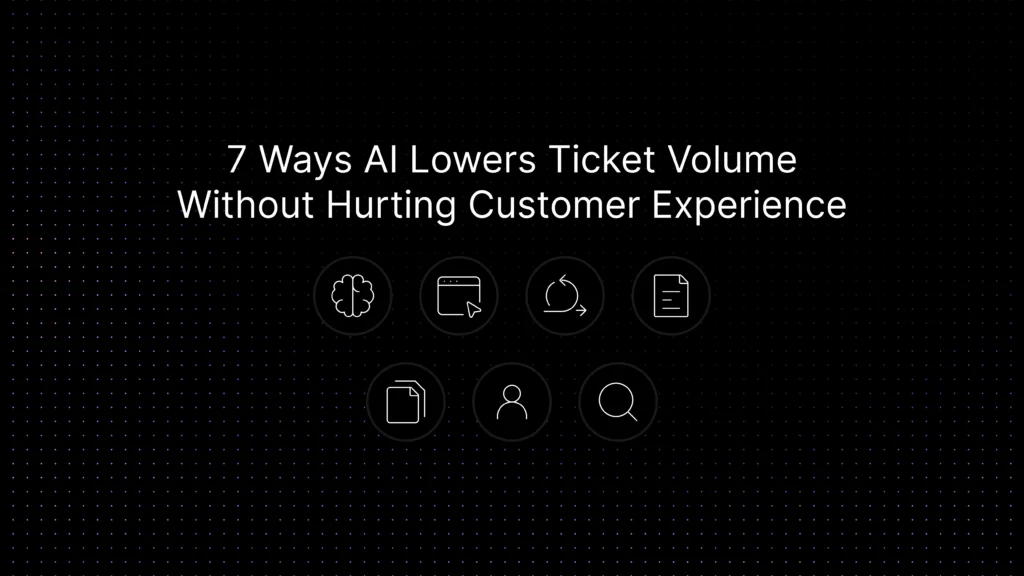
7 Ways AI Lowers Ticket Volume Without Hurting Customer Experience
- Knowledge-base-powered chatbot answers: A chatbot lowers volume only when it answers from trusted support content instead of improvising. When the bot can retrieve help-center articles, product docs, and approved FAQ content, it can resolve a large share of repetitive questions before a ticket is created. For deeper setup guidance, see Knowledge Base AI Chatbot for Customer Support: How SaaS Teams Train Better AI Support. A knowledge base is what turns a bot into an operational support layer instead of a guessing machine.
- FAQ and help-center self-service: Many tickets should never start as tickets. If customers can find a short, current, easy-to-scan answer, they will often solve the issue on their own. AI helps by surfacing the right article at the right moment, not by replacing the article entirely. This is where a strong Customer Self-Service for SaaS: How to Reduce Repetitive Support Requests strategy matters. The better the self-service layer, the less pressure lands in the queue.
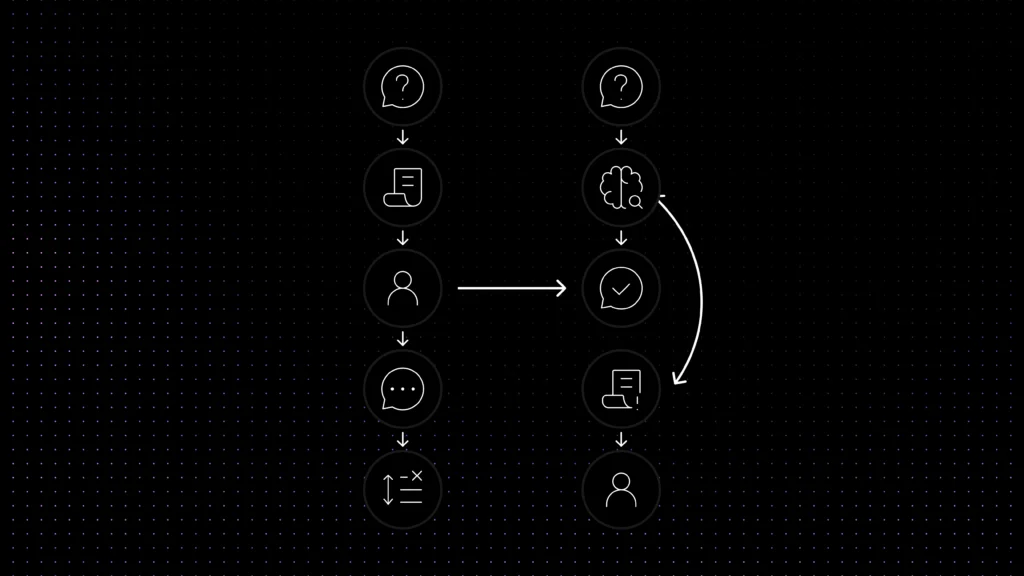
- Smarter routing before human assignment: Sometimes the right outcome is not ticket avoidance; it is better ticket direction. AI can identify intent, issue type, or urgency before assignment so the customer reaches the correct team faster. That reduces bounce, re-triage, and repeated back-and-forth. If you want a more workflow-specific view of that layer, read Support Ticket Automation for SaaS: How AI Routing and Ticketing Workflows Improve Support. Routing does not replace deflection, but it protects the experience when a human still needs to step in.
- Suggested articles before ticket creation: A simple but effective tactic is to surface articles, FAQs, or short guided flows before a form submission completes. Customers often open a ticket because they do not know the answer exists. Suggested content gives them one last fast path to resolution without making the support channel feel inaccessible.
- Intake classification and duplicate-question detection: AI can detect when the incoming question matches a known issue pattern, a recent outage, or a high-volume repetitive topic. That allows the system to propose a known answer, surface the latest status update, or group duplicate tickets instead of letting the queue fill with dozens of near-identical requests.
- Agent-assist and faster first replies: Not every volume-reduction tactic happens before the ticket is created. If AI can summarize the issue, recommend the right article, or draft the first answer faster, agents close tickets sooner and spend less time rewriting repetitive explanations. That shortens cycle time and reduces repeat contacts created by slow responses.
- Proactive content improvements from ticket data: The best teams use ticket data to improve the self-service layer. If the same question keeps appearing, that usually signals a missing article, a weak onboarding step, or confusing product copy. AI can help cluster those patterns and show where documentation should improve next. The guide to turning support tickets into product insights covers how to build that feedback loop systematically, so content improvements are driven by actual ticket patterns rather than editorial guesswork.
What Not to Automate
Some conversations should move quickly to a person even if they look repetitive on the surface. Billing disputes, security concerns, bug investigations, angry customers, and enterprise escalations are poor places to over-automate because they carry more risk and emotional weight than a simple “how do I change this setting?” request.
A good rule is simple: automate the explanation, not the accountability. AI can gather context, suggest documentation, or triage the issue. But when trust, money, or risk is involved, the workflow should protect the path to a human.
Metrics to Track So Ticket Volume Drops for the Right Reasons
Deflection metrics matter, but they are not enough alone. Teams need to know whether volume is going down because customers are getting value earlier – or because the experience has become harder to navigate. The most useful measurement set connects volume, speed, quality, and escalation health.
Deflection rate by itself answers the wrong question. It tells you a ticket never reached an agent, not whether the customer’s problem actually got solved. A team can hit an impressive deflection number by closing conversations early, and still see the same customers come back within days on the same issue. That gap is what separates a healthy program from one that just delays contact. The clearest tell is what happens after the deflected conversation ends. If containment rate rises while CSAT on those AI-handled sessions holds steady or improves, the deflection is real. If containment rises while repeat contacts on the same topics increase, the automation intercepted the conversation without resolving it. That’s why the metrics below matter more than the top-line deflection percentage on its own.
Metrics Table
| Metric | Why it matters | Good signal | Warning sign |
|---|---|---|---|
| Deflection rate | Shows how many repetitive requests were resolved before a human agent was needed. | Volume drops and CSAT stays stable or improves. | Volume drops but customers come back with the same issue. |
| Self-service success | Measures whether help articles, FAQs, and bot answers actually solve problems. | Customers find answers in one session. | High article views but low resolution quality. |
| Escalation quality | Indicates whether customers reach the right human quickly when automation should stop. | Context, intent, and history travel with the ticket. | Customers repeat themselves after handoff. |
| First response time | Shows whether the workflow is reducing waiting time, not just queue count. | Faster first replies across common issue types. | Ticket count falls but response speed does not improve. |
| CSAT / sentiment after automation | Protects the customer-experience side of the program. | Customers report faster, clearer support. | Customers feel blocked, confused, or trapped. |
| Repeat contact rate | Reveals whether AI solved the issue or only postponed it. | Fewer follow-up tickets on the same topic. | The same customer reopens or recontacts often. |
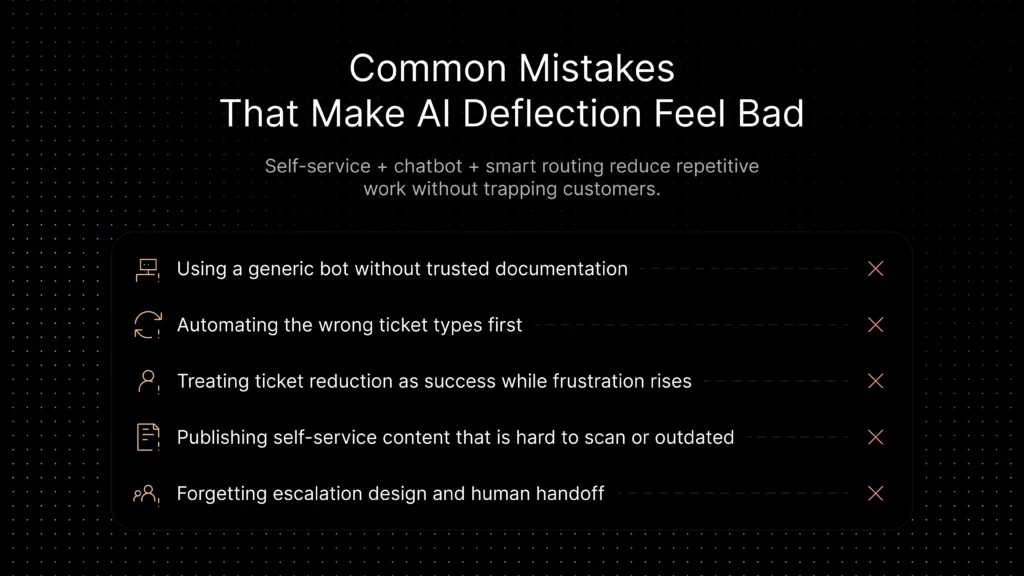
Common Mistakes That Make AI Deflection Feel Bad
-
Using an ungrounded bot:
answers from a generic LLM with no connection to your actual support content sound confident but fail on specifics.
-
Automating the wrong ticket types first:
starting with emotional, financial, or security-sensitive conversations before simple procedural ones damages trust fast.
-
Treating ticket count as the only metric:
volume can drop while repeat contacts and frustration rise. Measure both together.
-
Publishing weak self-service content:
technically complete but outdated, unsearchable, or disconnected from the real product workflow.
-
Skipping escalation design:
customers routed to a human too late, or without context, generate a worse experience than if they’d never hit automation at all.
Where Inquirly Fits
Inquirly is well aligned to this problem because reducing ticket volume safely is not just about a chatbot. It depends on how well the platform connects documents, FAQ generation, self-service content, automation rules, labels, issue types, routing logic, and reporting.
That matters in practice. Teams need grounded answers from trusted content, automation rules that decide what should happen when a conversation starts, labels and issue types that help sort repetitive questions, and reporting that shows where the knowledge layer needs improvement. Inquirly fits that model because it treats AI support as an operational system, not just a chat box. For teams evaluating which platform design best supports grounded deflection at their current scale, the best customer support software guide for 2026 compares platform categories and pricing structures specifically for SaaS teams.
If your team is building this program in phases, a sensible path is to start with the broader framework in AI Customer Support Automation: The Complete Guide for SaaS Companies, strengthen the chatbot grounding with Knowledge Base AI Chatbot for Customer Support: How SaaS Teams Train Better AI Support, improve handoff logic with Support Ticket Automation for SaaS: How AI Routing and Ticketing Workflows Improve Support, and expand the self-service layer with Customer Self-Service for SaaS: How to Reduce Repetitive Support Requests.
Conclusion
The best ticket-reduction programs do not treat support volume as something to suppress. They treat it as a signal. Repetitive volume tells you where documentation is weak, where routing is slow, and where customers need a faster path to resolution. AI helps when it is connected to those workflow realities.
For SaaS teams, that usually means combining a grounded chatbot, strong self-service content, and routing logic that respects escalation boundaries. Done well, that lowers repetitive work, improves first-response speed, and protects the customer experience.
If you want to reduce repetitive ticket volume without forcing customers into bad automation, explore how Inquirly connects AI assistants, documents, FAQs, labels, routing logic, and conversation workflows into one support system.