



Sorting lets your team control the order conversations appear in the queue — making it easier to prioritize the right threads, reduce response delays, and stay on top of active interactions. Inquirly offers four sorting options, each suited to a different way of working.
To change the sort order, open the conversation list and select your preferred option from the sort dropdown at the top of the queue.
The Four Sorting Options
Latest Activity
Surfaces conversations with the most recent updates first. Conversations with new messages or replies appear at the top; older or inactive threads move further down.
Best for: Teams that want to stay on top of actively ongoing conversations and respond to the most recent activity as it comes in.
Creation Time
Arranges conversations in chronological order based on when they were first opened. The newest conversations appear at the top; older ones move down.
Best for: Teams that prefer to work through conversations in the order they arrived, or when following up on a backlog of older threads.
Priority
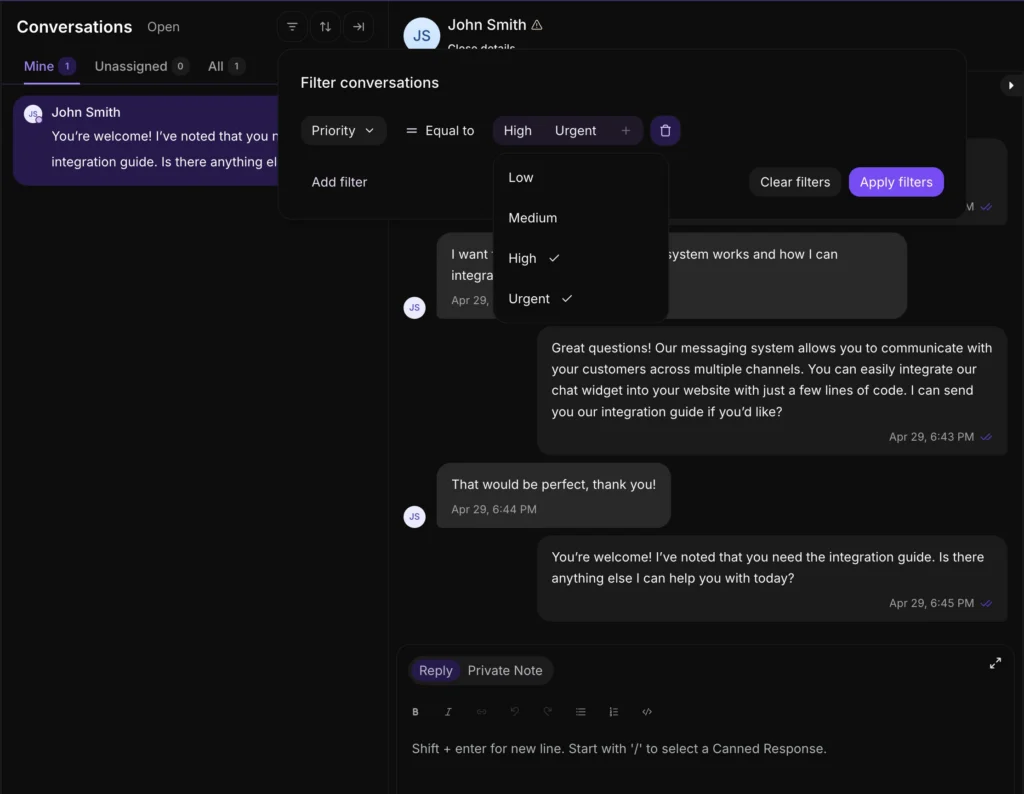
Surfaces the most critical conversations first, based on assigned priority level. The sort order follows this hierarchy:
- Urgent
- High
- Medium
- Low
- No priority assigned (these appear at the end)
Note: Not every conversation will have a priority set. Conversations without an assigned priority level always appear at the bottom of the list regardless of when they were created or last updated.
Best for: Teams managing a mix of escalations and routine requests who need to ensure urgent issues are never buried.
Pending Response
Focuses on conversations that are waiting for an agent reply, ordered by how long they have been waiting. The longest-waiting conversations appear first; conversations not currently awaiting a response are listed at the bottom.
Best for: Teams focused on minimizing first response time and ensuring no conversation is left unattended.
Sorting Options at a Glance
| Sort option | What appears first | Best use case |
| Latest Activity | Most recently updated thread | Staying on top of active conversations |
| Creation Time | Newest conversation opened | Chronological queue management |
| Priority | Urgent → High → Medium → Low | Managing escalations alongside routine work |
| Pending Response | Longest-waiting unanswered thread | Reducing response time and unattended conversations |
